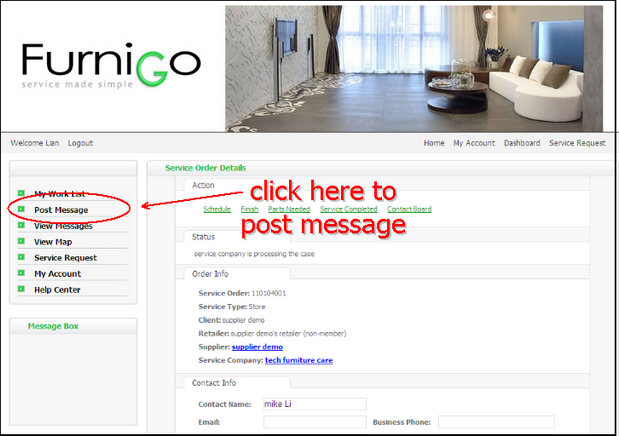
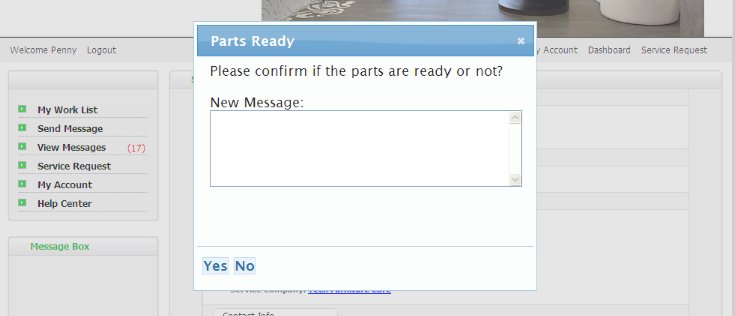
For every service case, all members can post message. Any members relating to this case will be able to view the message you post.

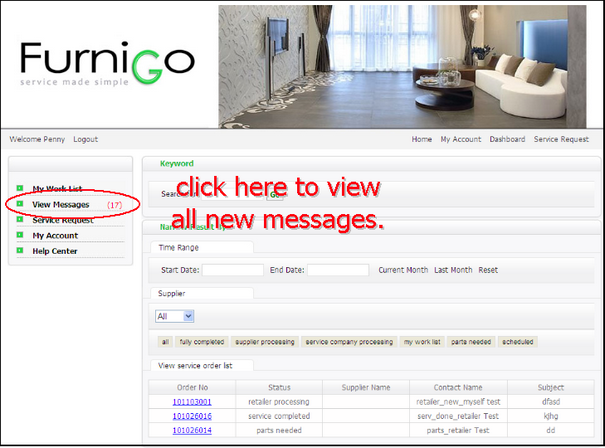
Click view message on the left menu bar, you will see all new messages. The red number (17) means you have 17 unread messages.
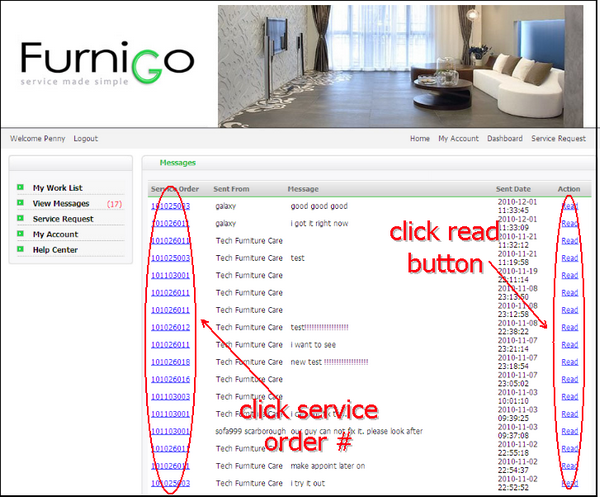
After reading the new message, you can click read, this case will be removed from the list. Click service order #, you will see view page of this case. On the left of view page, there is a message box which displays all messages related to this service case. |
|